


The idea of a workplace used to be remarkably simple. Employees travelled to an office, sat at an assigned desk and used equipment that rarely moved. Hybrid work has changed that model. Today, the same professional might work from a company office on Monday, from home on Tuesday and from a client site or coworking space later in the week.
That flexibility creates a new challenge for workplace technology. It is no longer enough for digital tools to work well in one carefully designed office. They need to provide a consistent experience wherever employees happen to open their laptops.
As a result, the modern workplace is becoming less dependent on a physical location and more dependent on a portable technology ecosystem.
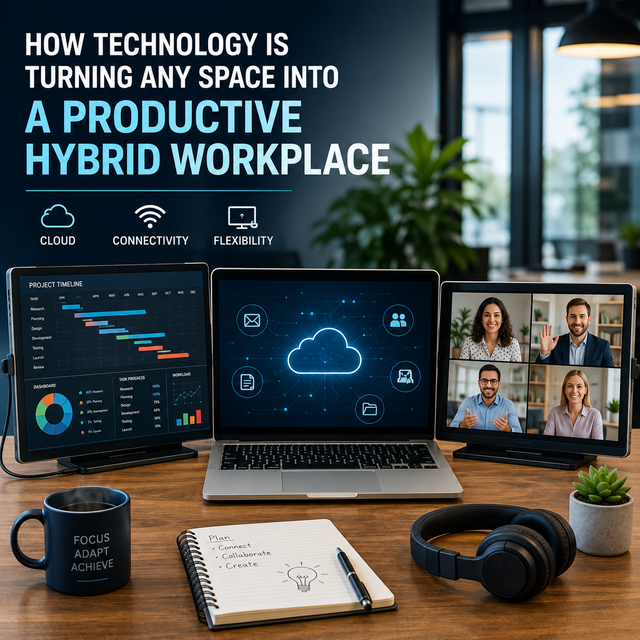
The Workplace Is Becoming a Technology Stack
The first stage of hybrid work focused heavily on software. Cloud storage, browser-based applications, video conferencing and collaborative platforms made it possible to access projects without being connected to an office network.
That solved the access problem, but it did not necessarily solve the workspace problem.
An employee working from a laptop at a temporary desk may have access to exactly the same applications and files as someone in headquarters, yet the physical experience can be very different. Screen space is reduced, peripherals disappear and workers spend more time moving between applications.
This is why the next phase of hybrid workplace technology is increasingly concerned with the hardware surrounding the laptop.
Instead of recreating a permanent office everywhere, manufacturers are developing equipment that can travel with the worker.
Screen Space Is Following Workers
Multiple displays have long been common in professions where people need to view several sources of information simultaneously. Developers may keep code on one display and documentation on another. Analysts can compare spreadsheets with dashboards, while designers often separate their working canvas from tools and reference material.
Research into multi-monitor workstations suggests that additional displays can improve task efficiency in some circumstances, although the benefits depend on the task, screen arrangement and ergonomics.
The problem for hybrid workers is that conventional monitors are tied to a desk.
That distinction is becoming less significant as displays become thinner, lighter and easier to power. USB-C has been particularly important because compatible devices can carry video and power through a compact connection, reducing the equipment required to create a temporary workstation.
Portable displays and multi-screen laptop accessories consequently allow workers to take some of the functionality of a permanent workstation with them.
The trend is already visible in Britain's evolving approach to flexible work. Recent reporting on portable workspace technology highlights how multi-screen setups are being used across fields ranging from software development and creative work to financial services and consulting.
Rather than making every temporary location identical to an office, the goal is increasingly to make the worker's core setup portable.
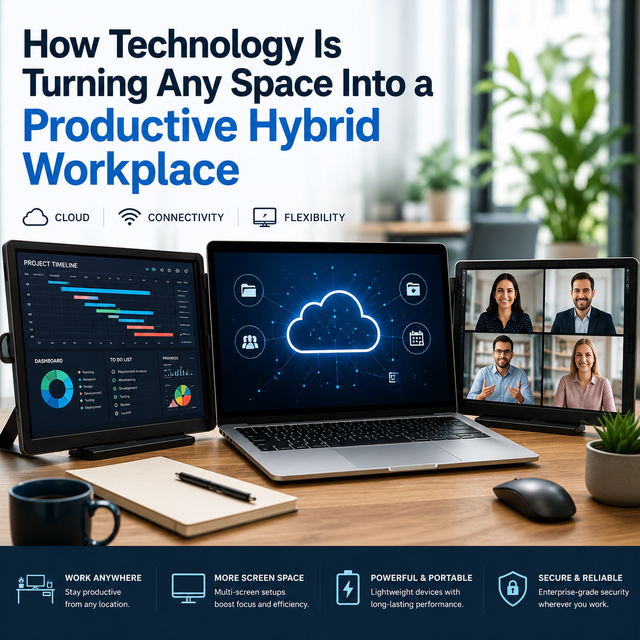
Connectivity Is Making Portable Workstations Practical
None of this would be particularly convenient if every additional device required its own power adapter, proprietary software and complicated installation process.
Modern connectivity standards are reducing that friction.
USB-C can support combinations of power, data and display signals, depending on the capabilities of the computer and device. HDMI remains useful where broader hardware compatibility is required. Wireless peripherals have similarly removed cables from keyboards, mice, headsets and other everyday equipment.
For businesses, simplicity matters almost as much as portability.
Employees are unlikely to carry workplace technology regularly if setting it up consumes the first ten minutes of every working session. The most useful hybrid equipment therefore tends to be technology that can move from bag to desk with minimal configuration.
This principle extends beyond displays. Portable docks, compact chargers, foldable laptop stands and lightweight input devices are all becoming components of a workspace assembled around the user rather than the building.
Cloud Computing Completes the Picture
Portable hardware solves only half of the problem. The other half is ensuring that employees can reach the same working environment regardless of the device or location they are using.
Cloud technology provides much of that continuity.
Files stored centrally can be accessed from multiple locations, while browser-based business applications reduce dependence on software installed on one particular machine. Cloud development environments and virtual desktops can take this idea further by shifting parts of the computing environment away from the local device entirely.
The result is an interesting division of responsibilities.
Cloud infrastructure makes the digital workspace portable, while increasingly compact hardware makes the physical workspace portable.
Together, the two are reducing the importance of the traditional fixed workstation.
Security Has to Travel Too
Greater mobility introduces additional considerations.
An employee accessing company information from several locations creates a different security environment from someone working exclusively inside a controlled corporate office. Organisations therefore need security policies designed around users and devices rather than simply the office network.
Multi-factor authentication, encrypted connections, device management and carefully controlled access permissions can all form part of this approach.
Physical privacy also matters. Working with multiple displays in public environments can make sensitive information more visible, meaning employees handling confidential material need to think carefully about where screens are positioned and when public workspaces are appropriate.
Hybrid productivity should not come at the expense of information security.
Ergonomics Remains Important
More technology does not automatically create a better workspace.
Research into multi-monitor environments has also raised ergonomic considerations, particularly around screen positioning and neck movement. A poorly arranged collection of displays can simply replace one workplace problem with another.
Portable setups therefore need to account for viewing height, distance and posture.
A laptop stand combined with an external keyboard can help raise the primary display. Additional screens should be positioned so that frequently viewed information does not require constant twisting or uncomfortable viewing angles.
This becomes especially important for employees who regularly spend entire working days outside a conventional office.
The best hybrid setup is not necessarily the one with the most screens or accessories. It is the one that provides enough capability for the task while remaining comfortable and genuinely portable.
From Hybrid Office to Personal Workspace
The biggest change may ultimately be conceptual.
For decades, organisations equipped buildings. Desks, monitors, telephones and network connections belonged to a particular location, and employees travelled to use them.
Hybrid work reverses part of that relationship.
Increasingly, workers carry the essential components of their workspace with them. A laptop provides computing power, cloud services provide access to information, and a growing ecosystem of portable hardware can provide the screen space, connectivity and peripherals previously associated with a permanent desk.
The office still has an important role. Collaboration spaces, specialist equipment and face-to-face interaction cannot always be reproduced elsewhere. But the technological difference between working inside and outside the office is becoming smaller.
That may be the defining characteristic of the next generation of hybrid work.
The objective is no longer simply to enable employees to work remotely. It is to give them a consistent, productive and secure working environment wherever work needs to happen.
